
In this blog we will be looking at how to adapt a wireless headset to work with a computer via the USB plug. Many of the models of headsets (Plantronics CS500 series, Jabra Pro 920, etc.) are created to work with an office phone and not a computer. Today, we will be looking at how to adapt a standard wireless headset to be used with a computer and office phone simultaneously!
The simplest solution to this problem is purchasing a Zoomswitch designed for this purpose. The cheaper method involves purchasing the Zoomswitch ZMS10 (pictured below).
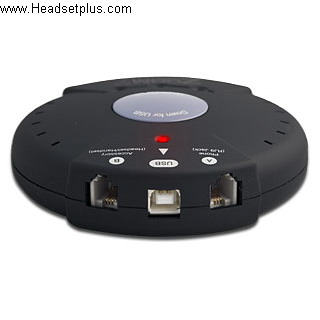
This Zoomswitch is an add-on device that can enable your headset to work with a computer. It also has a button conveniently placed to make switching between your phone and your computer a breeze! When you purchase this unit, it comes with everything you will need in order to hook up a standard wireless headset to your computer!
The other Zoomswitch that can be used for this purpose is the ZMS20 (pictured below)
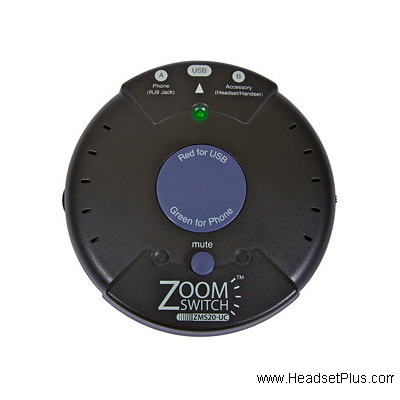
This model (ZMS20) has all of the same functionality and features as the ZMS10, with a few bonus features included. This model enables you greater control over the audio of your device. This model includes a built in amplifier for the USB side of the device. This enables greater control of the audio when speaking through the computer. Another feature it offers is a mute switch for both the phone and computer applications. This means it is really easy to switch between devices, adjust the volume, or mute your headset with the simple press of a button!
If you want your Plantronics C540 or your Savi 7210/7220 wireless headset to be compatible with your computer in an easier way possible you can get the APU-76 adapter, pictured below.
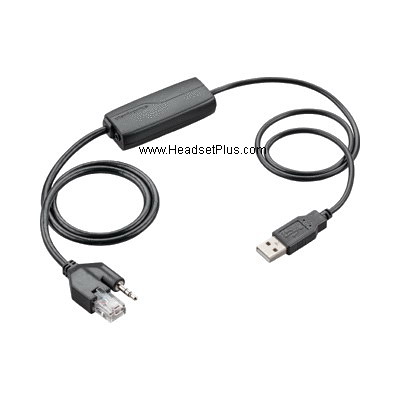
This adapter is an easy plug and play solution for your CS or Savi desk phone wireless headset. One of the ends gets plugged into the base of the wireless headset, the other into any of your USB-A ports and the computer will recognize the headset as an incoming and outgoing sound device. If you need to make basic adjustments you will need to go to the Sound settings on your computer, but if you need to make advanced adjustments like side tone or notifications you will need the Poly Lens software on your computer and up and running. The Poly Lens can adjust not only volume and call controls or notifications, but can let you know battery talk time in real time on the screen of your computer.
For all in wireless headset solutions, See our blog on Headsets that can be used with both desk phone and computer
Jabra Wireless Headsets
For Jabra users the transition would not be as easy as with Poly/ Plantronics users as the Jabra Pro 920 wireless headset was designed exclusively to be used with desk phones 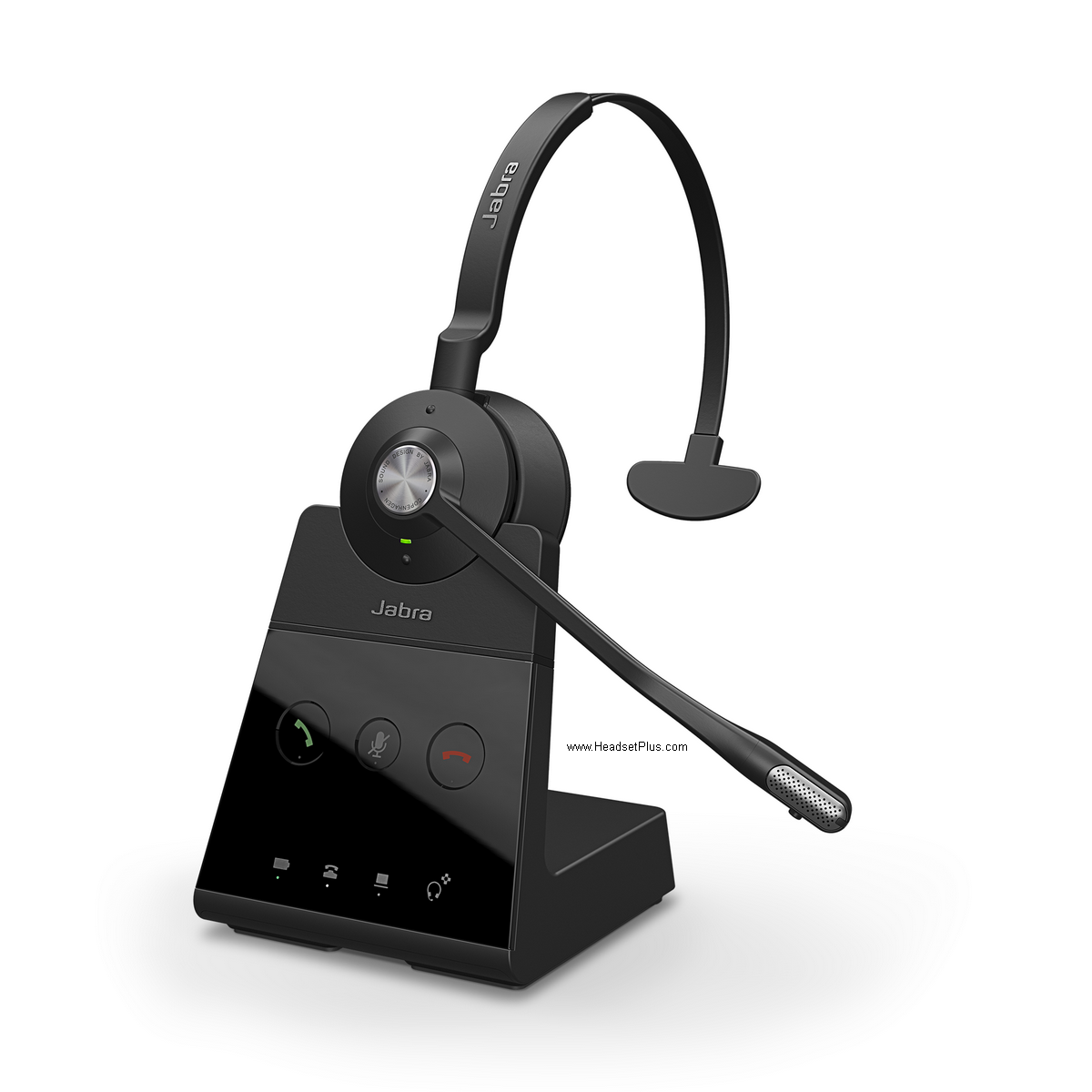 only. If this is your case and you love Jabra quality, perhaps would be a good time to
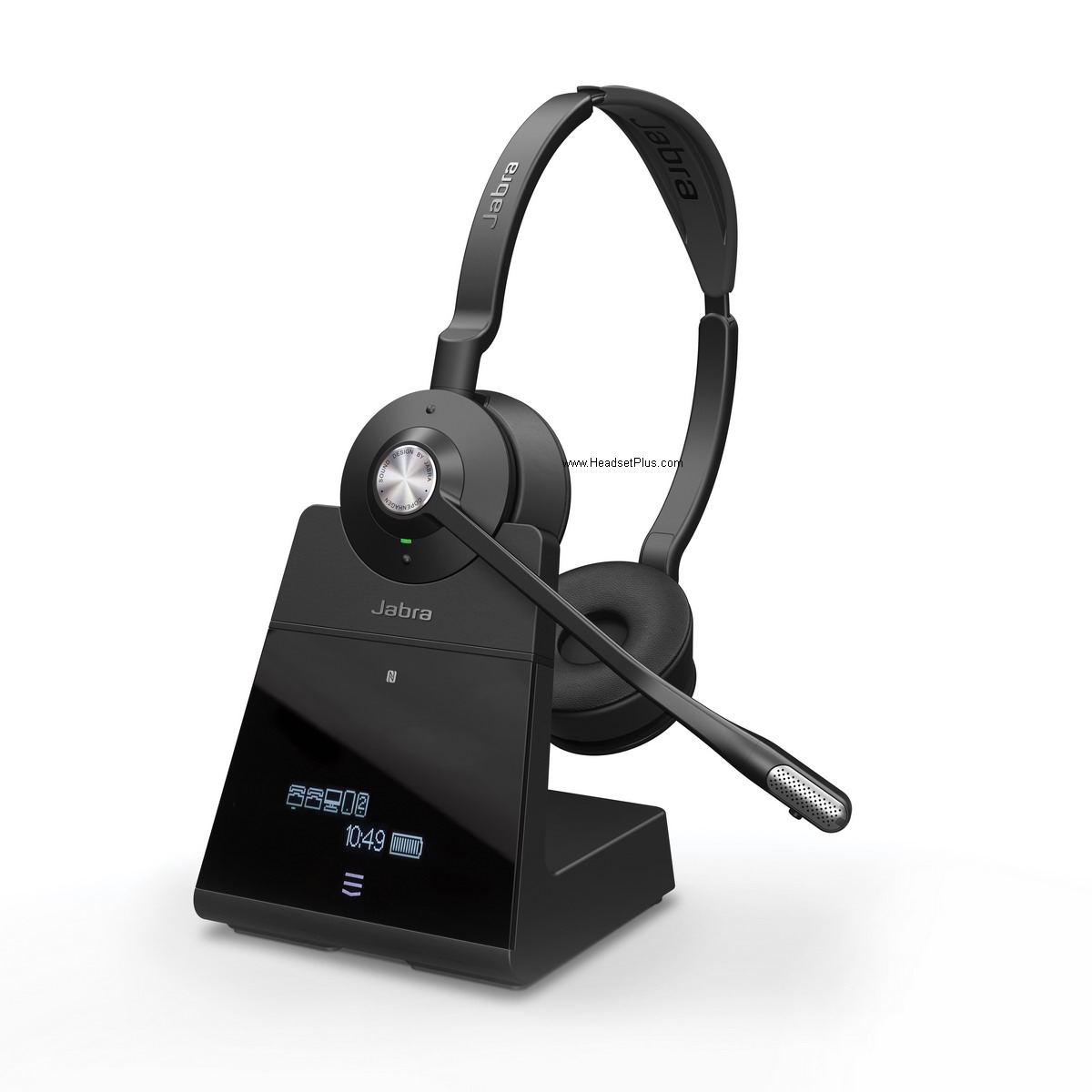 upgrade your wireless headset to the Engage 65 or Engage 75 wireless headsets. These headsets offer a really comfortable wearing style, in either Mono light weight headband, rich stereo sound quality or ultra light over the ear ear hook with a really discrete microphone boom arm. Offering a higher encryption chipset, making it more secure than regular DECT headsets and fully compatible with desk phones and computers at the same time with no need of additional adapters as they come with all the cable needed for this interaction. Built in busy lights are found and more noticeable for piece of mind when on a call and having to let people that you are busy without the need of doing gestures or shutting doors. The Engage family will be recognized by the computer as a incoming and outgoing sound device and basic setup can be controlled from Sound settings of the computer. Advanced customization can be found using the Jabra direct software, letting to increase the wireless range, adjust the side tone, customize the turn on or off of the busy light among others. The Engage 65 and 75 are designed to be used with desk phones and computers, however if you only
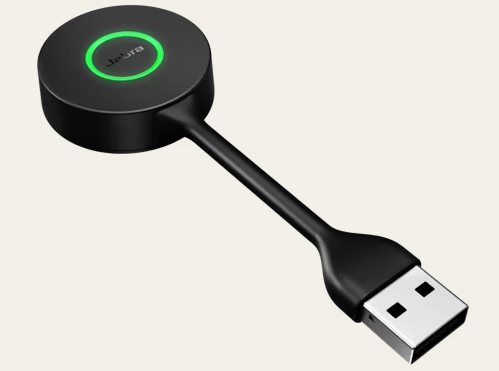 need a wireless headset for your computer the Engage 55 would be your way to go, thanks to its Link 400 dongle allows you to have a similar range as the 65 or 75 without all the base and with a more discrete interface that is accident tolerable as its bendable, allowing to leave the dongle plugged in when traveling.